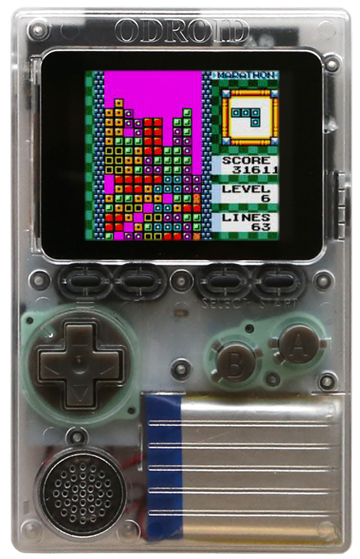
Hello everyone, today’s I am going to talk about how to setup an Odroid Go with the toolchain ESP IDF.
Also have a gp2x and an zx-uno


What You Need
Hardware:
- An ESP32 board
- USB cable – USB A / micro USB B
- Computer running Windows, Linux, or macOS
Software:
- Toolchain to compile code for ESP32
- Build tools – CMake and Ninja to build a full Application for ESP32
- ESP-IDF that essentially contains API (software libraries and source code) for ESP32 and scripts to operate the Toolchain
- Text editor to write programs (Projects) in C, e.g., Eclipse

Linux & MacOS
cd ~/esp
git clone --recursive https://github.com/espressif/esp-idf.git
cd ~/esp/esp-idf
./install.sh
. $HOME/esp/esp-idf/export.sh
Start a project for esp32
cd ~/esp
cp -r $IDF_PATH/examples/get-started/hello_world .
Connectivity:
Serial ports have the following patterns in their names:
- Windows: names like
COM1 - Linux: starting with
/dev/tty - macOS: starting with
/dev/cu.
Linux & MacOS:
cd ~/esp/hello_world
idf.py menuconfig

Build:
idf.py build
In the next parts of the tutorial I will explain how to code c in eclipse or arduino IDE, even the micropython.
Thank you.
Leave a Reply