Hola lectores,
Hoy nosotros tenemos en una aplicación esto:
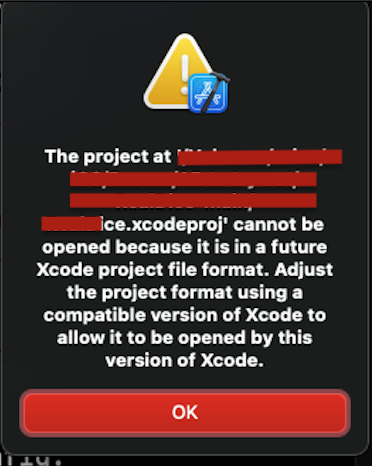
Nuestra aplicación para tenermos actual, nosotros hacemos una modificación.
objectVersion = 56;
para
objectVersion = 50;Hola lectores,
Hoy nosotros tenemos en una aplicación esto:
Nuestra aplicación para tenermos actual, nosotros hacemos una modificación.
objectVersion = 56;
para
objectVersion = 50;Hola Lectores,
Hoy, ustedes a van aprender como hacer una compilación de neon network para macOS big sur. Nosotros tenemos big sur como el sistema actual para desenrollar.
Primero, llamar un terminal como iterm2:

Segundo tener un fichero de cmake como esto y un directorio como esto:


Tercero, en el terminal hacer esto:
-> mkdir build && cd build
-> cmake ../
-> make
Después puedes compilar la aplicación.

Ahora por fin pulsar “Enter” con el comando make


Contenido para estudiar:
Hola Lectores,
Hoy, ustedes a van aprender como hacer un terminal para gestión de llaves.
Empezamos por escribir password para cambiar de llave.
Cómo listar un cliente en macOS:
dscl . list /Users | grep -v '_'
Resultados:
Listar todos clientes

Solo user

Hello, today we are going to learn how to check plist file on the terminal


Hello readers,
Today, we will learn how to use a terminal for users and passwords.
Type password to change passwords.
To list a User on Mac

To list only users
dscl . list /Users | grep -v '_'Results
Users All
Only User
Hello again!
Today, we are going to learn about hard or simple links on a POSIX system.
What is a hard link?
A hard link is used by a root mode. Be careful with EOACCESS. We recommend soft links, this links are user mode.
What is a user mode?
A user mode is a link made by our account on the system. With soft link, we can build several links of the original binary or text file.
Example:
sudo ln -s /home/user/text.txt user1.txt
This example is very back because can be an EOACCESS error.
Soft link:
ln -s /home/user/text.txt /home/user/text1.txt
With soft links we can make more links, it’s easier.
We are delivering an IDE for macOS. It’s an IDE for Linux on the fly. We are providing a zip for testing proof.
For now, we have two testing versions.
On this proof, you can test printing mode, save, save as, load, and exit. This IDE will be for coding c99, c++17, cmake, basic, HTML, PHP, CSS, and javascript.
Now, you can write and code, without syntax highlighting, we are working on a new version with code completion and a fix for syntax.
Hola Lectores,
Hoy,
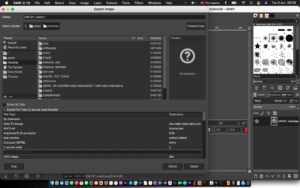
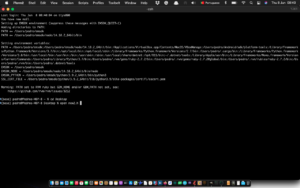
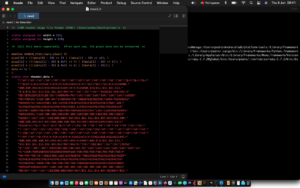
vamos a aprender cómo hacer un c header a partir de un archivo de imagen jpeg.
.
Hello readers,
Today, we are going to learn how to make a c header from a jpg image file.

Bienvenidos al primero artículo del mes de coder by gleentech Labs.
Aquí la búsqueda de podman en macos ordenadora.
brew install podman-desktop

Cómo ha visto están en macos. Tiempo a tiempo necesitamos de hacer “upgrade” el brew.
Ahora, la tarea es crear una imagen en podman.

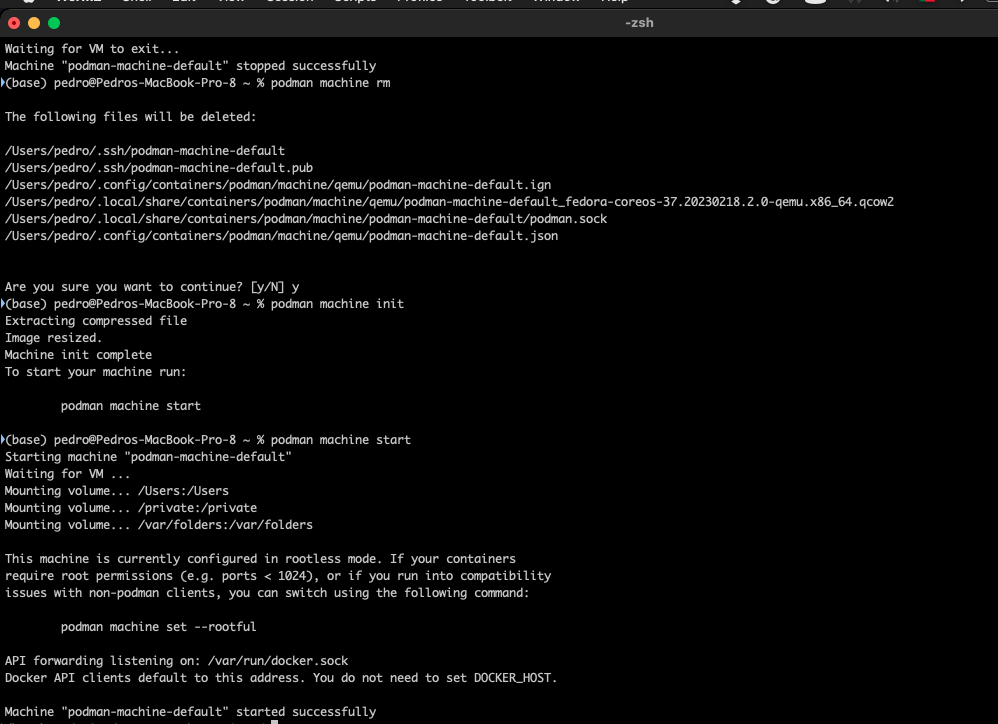
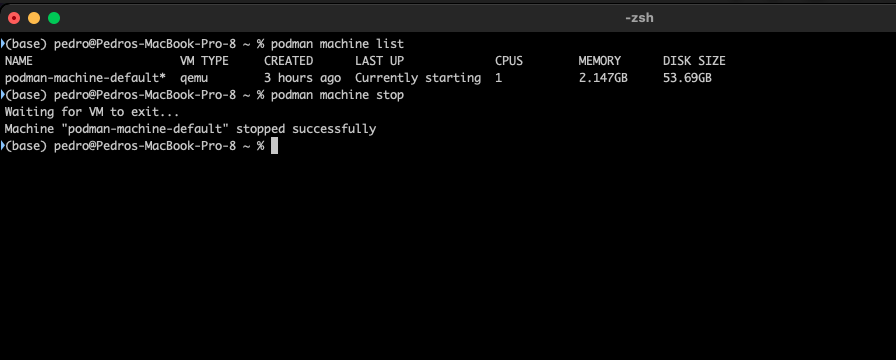
Este comando en tu terminal tiene una lista de ordenadores virtuales.
podman machine list
podman machine stop
podman machine rm
podman machine init
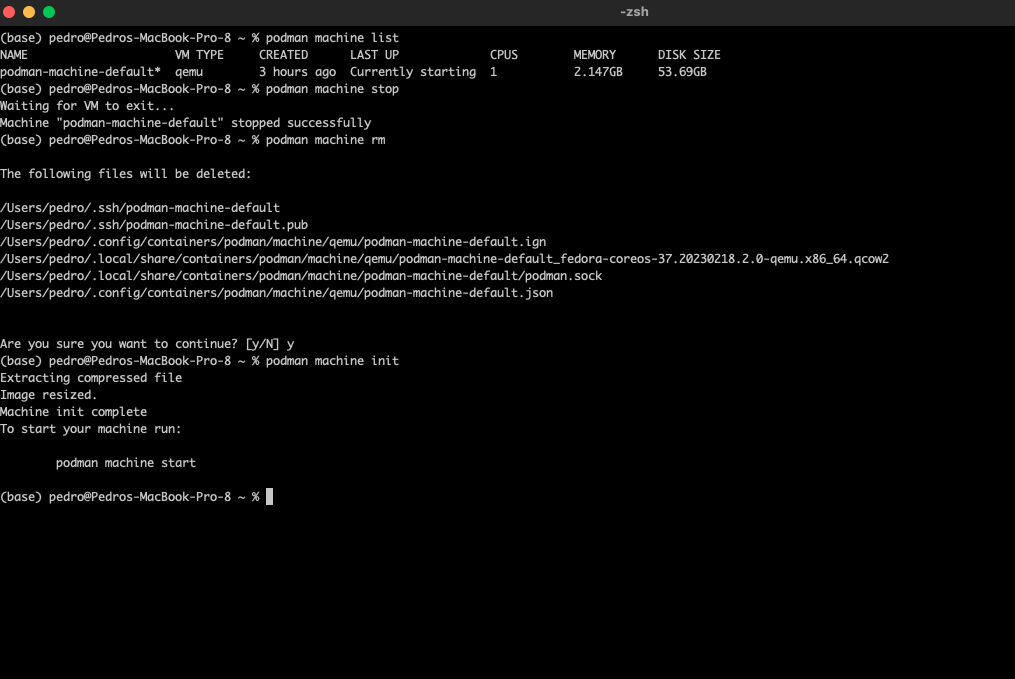
podman machine start