
Welcome to the first article of the month on the coder by gleentech Labs. We are going to learn how to install podman on a macOS machine. We are going to try to make the task easier.
brew install podman-desktop

As we see, it’s already installed. Time a time we should update brew.
Now, we have the podman installed. We are going to see how to create an image to run on podman.

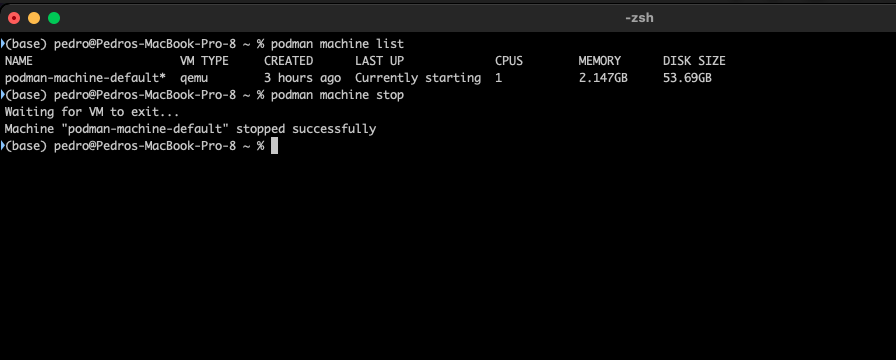
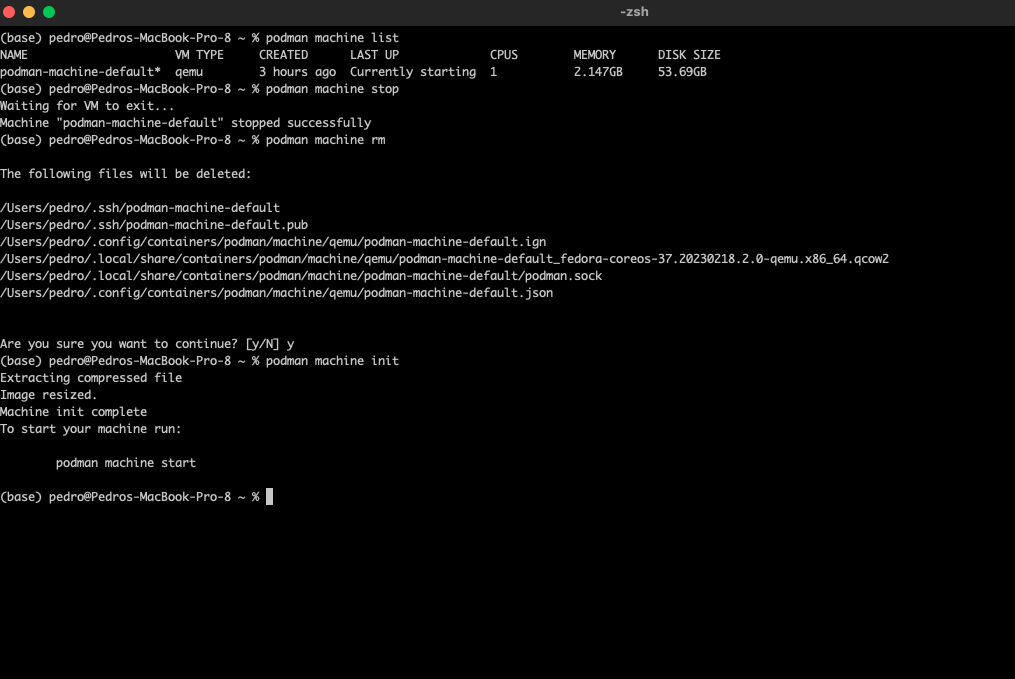
This command is to list the machines active. Now, we are going to delete this image to be prepared for our labs monthly.
podman machine list
podman machine stop
podman machine rm
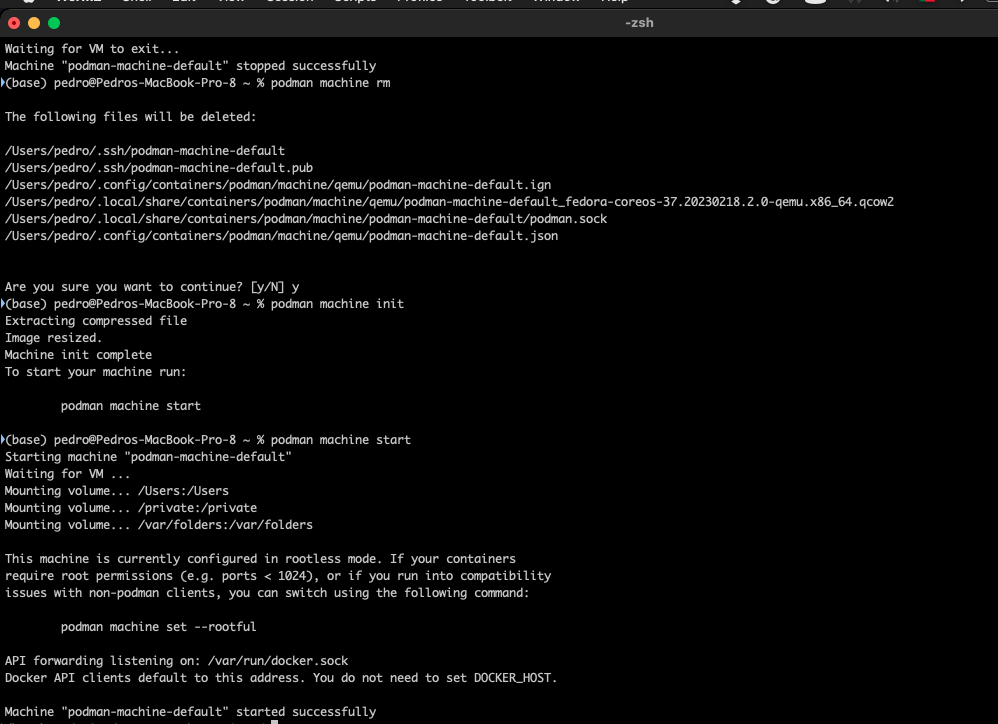
podman machine init
podman machine start

Leave a Reply